Rooms available in the ZIM
Whether media production, virtual teaching or hybrid events: ZIM provides rooms for audio, video and graphic production, sound and AV studios as well as hybrid conference and training rooms - including technical support and advice. The equipment, utilisation options and booking channels vary depending on the room type.
Our room types at a glance
Room booking & utilisation
All ZIM rooms can be used by members of Paderborn University for teaching, research and projects. Bookings are usually made via the ZIM room booking system(instructions in the help wiki) or by e-mail(zim@upb.de).
The following applies to utilisation:
- Each booking should include the purpose and the desired time period.
- Technical equipment or specialised studios may require instruction.
- Usage rules, such as volume, key return or maximum number of participants, must be adhered to.
- Unused booking times should be cancelled in good time.
ZIM provides support with queries, instructions, technical problems and optionally with the organisation of more complex productions or hybrid events.
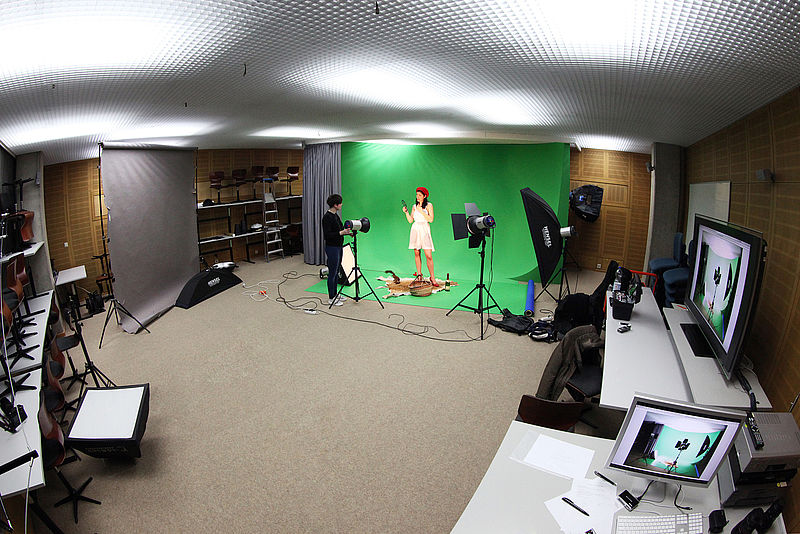
AV studio with green screen
Aim & benefits
The AV studio with a permanently installed green screen offers ideal conditions for video shoots, presentations, interviews and explanatory formats. Thanks to professional lighting, high-quality camera and sound technology and an acoustically optimised environment, you can produce content to a high standard - even without much previous experience. The studio is used for teaching content, eContent, presentations, research videos, image clips and practical media projects. We support both self-production (help for self-help) and professional productions by ZIM specialists, for example for asynchronous teaching, research pitches, digital lectures or external presentations. During the lecture period, the studio is heavily used by practical media seminars. It can therefore only be used after prior consultation or agreement.
Scope of services provided by the ZIM
- Provision and operation of the studio for audio, photo and video productions
- Contact person for media-specific classes and project-related productions by arrangement
- Instruction in technology and work processes, depending on requirements and expenditure
- Advice on production options, including green screen setups
- Professional AV production by ZIM employees, if agreed in advance
- Planning and coordination of recording appointments (especially for staff or time-intensive green screen productions)
Equipment
The studio provides a fully equipped production environment, including
- Photo and video recording room
- Spokesperson and music recording room
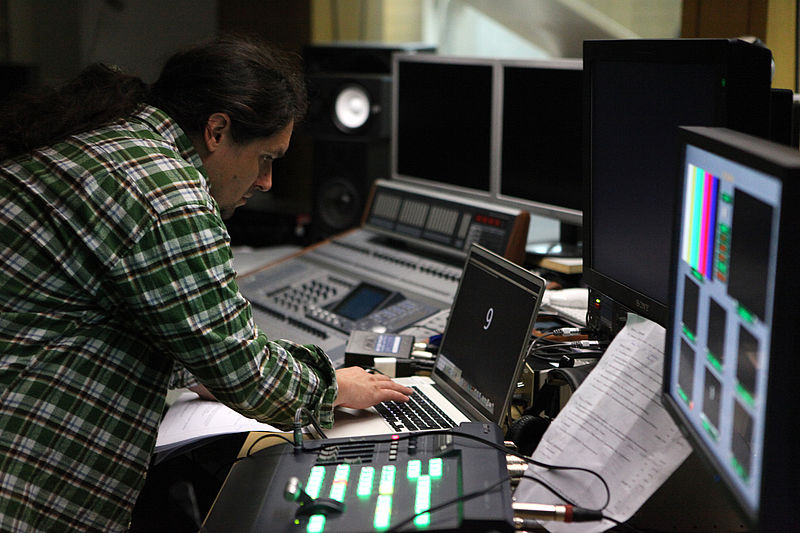
- Control room
- Professional recording and lighting equipment
- Technology for spokesperson, Music and multi-track recordings
- Permanently installed green screen enables high-quality video formats that combine the presenter with presentation content in virtual space.
Typical functions:- Animated backgrounds
- Integration of whiteboard/iPad content
- Lecturers can appear and interact in presentation slides
- Teleprompter option
Booking & utilisation
- The AV-Studio is very busy, especially during the lecture period.
- Use only after prior consultation and binding appointment.
- Technical instruction is provided according to requirements and production scope.
- Early planning is required for project-related or complex green screen recordings.
- Appointments, enquiries and preliminary discussions are organised via the central contact.
Advice & support
For questions regarding use, advice and technical support, please refer to ZIM's Advice & Support for Media Services. There you will find all contact details and further information.
An overview of suitable services and further on offers from the ZIM:

Recording studio
Aim & benefits
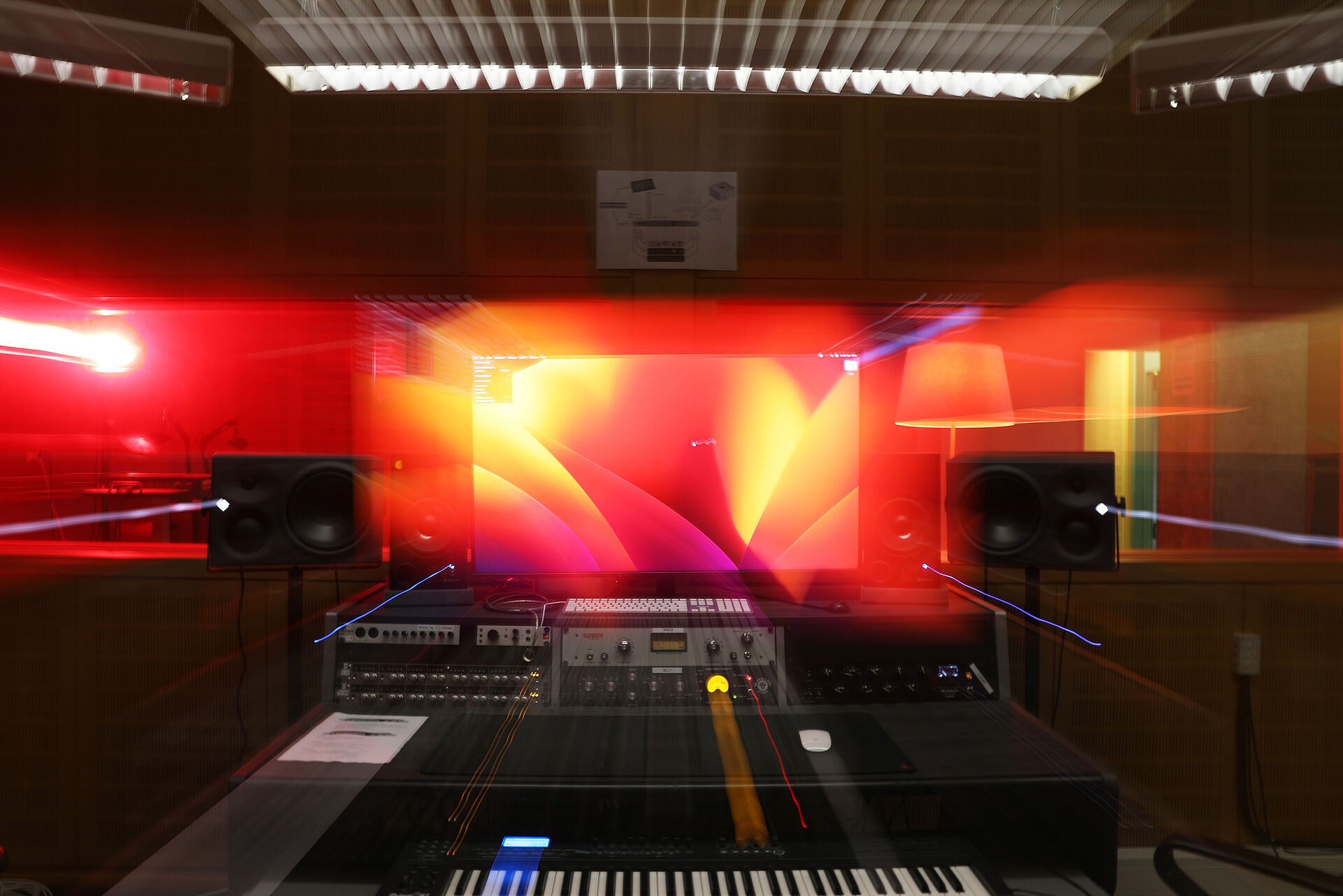
Our recording studio offers optimal conditions for spokesperson, Music or complex multi-track recordings. It is suitable for both simple voice recordings and complex music productions with live recording. The combination of a control and recording room, high-quality sound technology and an acoustically optimised environment allows you to make recordings at a professional level. The studio is open to all members of Paderborn University. However, only projects within the scope of studies, teaching and research can be supported.
Scope of services provided by the ZIM
- Provision and operation of the recording studio for spokespersons and music recordings
- Advice and instruction on the technology and recording/production options
- Support with multi-track recordings and complex production scenarios
- Supervision of audio productionsif agreed in advance
- Contact person for media-specific classes and project-related productions by arrangement
Equipment
- Control and recording room
- Powerful computer with common digital audio workstations (DAWs)
- Audio interface and microphone preamplifier
- Selection of high-quality microphones for various recording situations
- Audio effects units in 19" format
- Two pairs of studio monitors in an acoustically controlled environment
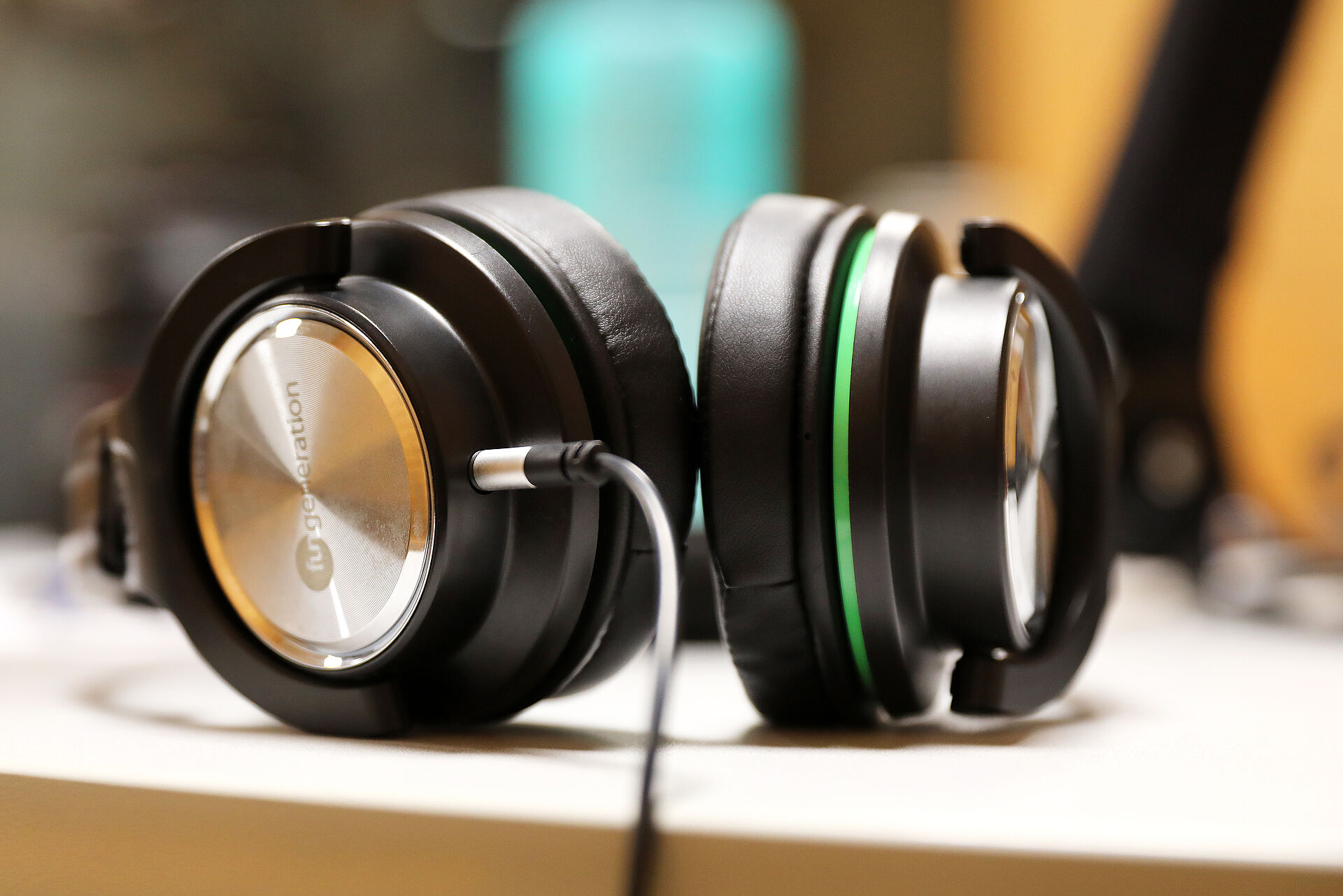
- Multi-channel headphone amplifiers for customised headphone mixes
- Possibility to record up to 20 microphone channels simultaneously
Booking & use
- Booking by e-mail to zim@upb.de stating the desired period and purpose. Available dates and booking options can be viewed at any time in the dates overview .
- Music recordings permitted from 4 pm; please use at room volume beforehand
- When booking on Friday afternoon, the entire weekend is automatically reserved
- Keys must be returned immediately after use, at the latest on the following day
- Booking times must be used within the first hour, otherwise they will be cancelled
- Key loan at the Media Service Centre (H1.201) with proof of university affiliation
Recording studio schedule
Advice & Support
For questions regarding use, advice and technical support, please refer to Advice & Support for ZIM Media Services. There you will find all contact details and further information.
An overview of suitable services and further on offers from the ZIM:
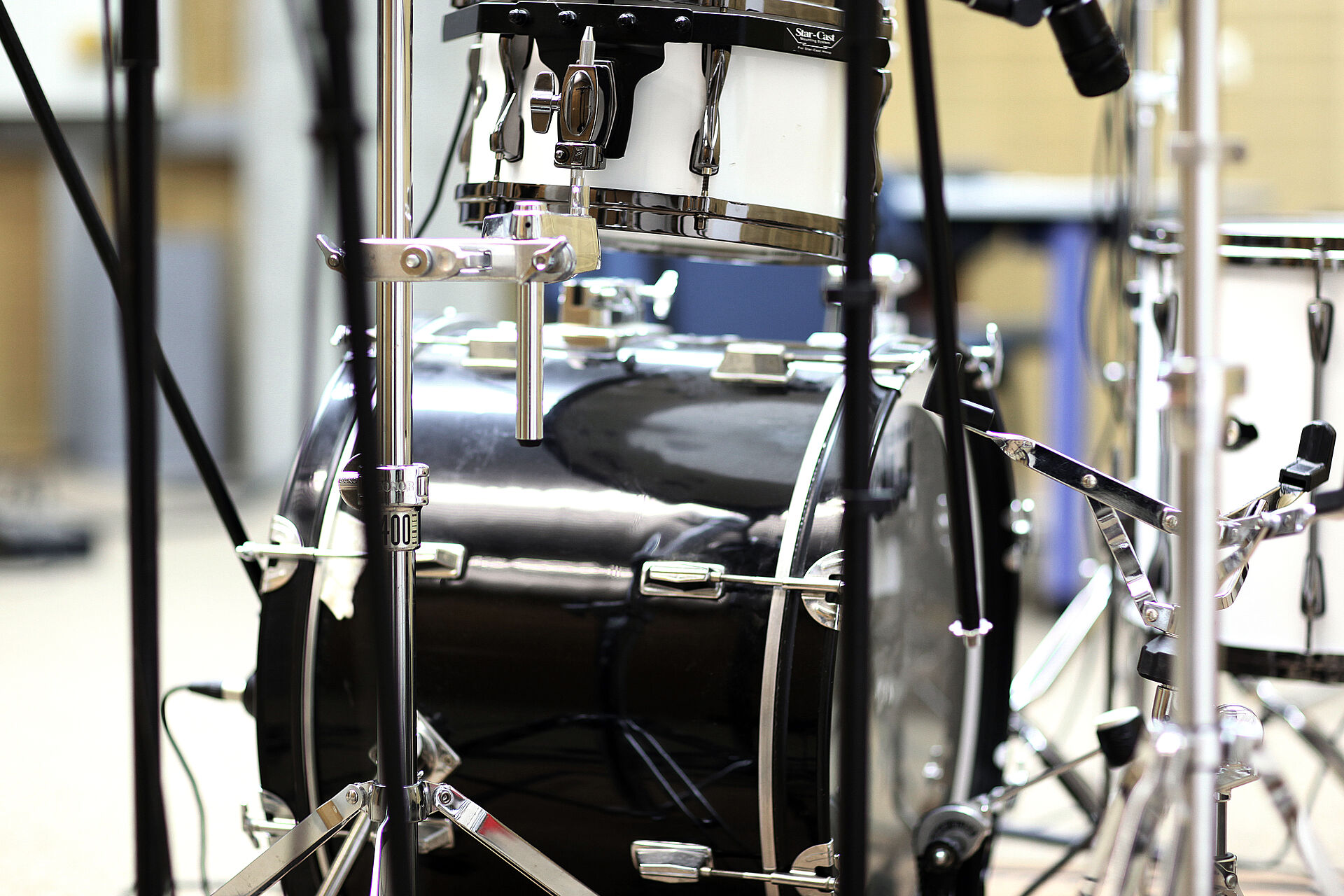
Schnitträume & Medienarbeitsplätze
H1.338 - Editing suite for video & audio editing (Adobe Cloud, DaVinci Resolve & Reaper)
(height-adjustable desk)
H1.322 - Editing suite for video & audio editing (Adobe Cloud, DaVinci Resolve & Reaper)
(height-adjustable desk)
Pool and training rooms
The ZIM offers workstations in rooms that can only be used after prior reservation.
Audio, video and graphics editing workstations can be reserved in ZIM:Medien for student productions as part of studies and teaching. The pool room I0.401 and the training room N2.216 (limited) can be used by reservation.
Room H1.201.1 (ZIM:Media)
Room I0.401 (ZIM pool room)
Room N2.216 (ZIM training room)
Room H1.201
Possible uses:
ZIM:Medien (media service centre and editorial/seminar room)
- Media lending for student productions as part of studies and teaching
- H1.201.1 Editorial space for practical media projects in seminars
- H1.201.1 Editorial space for student teaching editorial teams (Blickfang, Campusradio L'UniCo)
- Media workstations for audio and video editing
- Copy station (analogue/digital)
Contact: Service Centre Media
Room I0.401
Utilisation options:
ZIM pool room
IT-supported training courses and seminars (group work)
Equipment:
20 zero clients for access to the ZIM virtual desktops. You can find more information on how to use them under Handling the zero clients in the ZIM pool rooms.
Contact person:
ZIM user counselling: Mail to zim@uni-paderborn.de
Room N2.216
Utilisation options:
ZIM training room
IT-supported training courses and seminars (face-to-face teaching)
Equipment:
28 workstations (zero clients for access to the ZIM virtual desktops)
1 lecturer computer with printer
1 projector
Specialised software on request
Contact: doIT
Hybrid event rooms
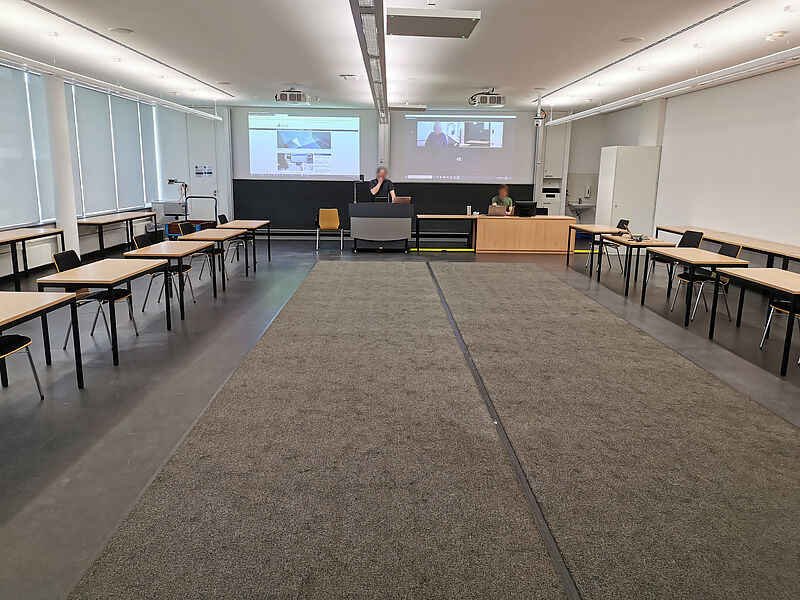
Advice on network-supported forms of communication and presentation and the technical realisation of hybrid event formats (e.g. appointment lectures, committee meetings, committee work or conferences) are part of ZIM: Media's standard offering.
Hybrid events take place virtually and in person at the same time. A video conferencing tool such as Big Blue Button, Zoom, DFNconf is used for this purpose. If possible, a microphone should be available for all participants. Possible scenarios:
- Virtual lecture (online or in presence)
- Conference with livestream (stream to the university's video portal )
- Complex forms such as appointment procedures (various settings for lecture and discussion)
L3.204: Hybrid event room for 48 seats
Room L3.204 can be booked via the Central Room Administration and enables hybrid conferences with up to 26 participants in attendance. The video conference can be hosted from a permanently installed computer, whereby the computer transmits the signals from the ceiling cameras and ceiling microphones to the video conference and the audio return channel of the video conference to the room loudspeakers. L3.204 also has two projectors so that you can, for example, transmit the virtual participants via projection in addition to a PowerPoint presentation. The technical equipment includes:
- Double projection for presentation & virtual participants
- 2 ceiling microphones
- 2 ceiling cameras
- Recording and (live) streaming function
- Height-adjustable lectern for presenters
- Moderation/operator desk (media and computer control)
- Wireless microphone as amplification for presenters (e.g. for keynote recording)
In order to use L3.204, a technical briefing is required, which you can request by e-mail to zim@upb.de or by telephone on (05251) 60 2821.
Other hybrid alternatives
As an alternative to L3.204, hybrid events can also be organised in other rooms:
- Lecture theatres as temporary hybrid event rooms; mobile set-up for hybrid scenarios (no direct microphone option for all participants, catchbox as an alternative)
- Optional during the lecture-free period: seminar room as an alternative to L3.204; set-up of a temporary hybrid event room (consultation with administration necessary)
- Logitech Group: mobile video conferencing unit for max. 12 participants (can be used in all seminar rooms).
- Other mobile hybrid solutions for teaching.
Required for all event types: technical arrangements, briefing/test appointment in advance and, if necessary, telephone/on-site support, depending on the type of event, urgency and importance of the event.