Event and Production Support
Whether event recordings, podcasts, videos for teaching or academic use, portrait photos, hybrid events or comprehensive event support: ZIM:Medien supports teaching staff, researchers and students in the planning, realisation and follow-up of a wide range of media and event formats. To this end, ZIM provides comprehensive infrastructure - including equipment for audio, video and photo productions, mobile presentation and event equipment, as well as limited studio space and media editing workstations. In addition, ZIM offers advice, instruction and technical support and, in individual cases, takes over the complete media production.
If you have any questions, suggestions or are interested in any of our services, please contact zim@uni-paderborn.de.
Media production and support
Rooms & Software
For all production and event formats, we can recommend rooms on the UPB campus, lend suitable equipment and advise on the use of software: from the AV and sound studio on H1 to media editing suites and the hybrid conference room L3.204. This includes professional applications such as Adobe Creative Cloud or DaVinci Resolve for editing, image processing or audio production. You can find all the details about the equipment, software and booking here.
Media technology event service
ZIM: Media supports a variety of conference and event formats on the Paderborn University campus. The technical support of events is individually coordinated with organisers and ranges from the provision and set-up of equipment to the operation of sound and lighting consoles. In order to provide continuous staffing support for conferences and events with special requirements and to ensure that everything runs smoothly, student assistants are specially trained in the use of event technology at ZIM: Media. The use of assistants means that limited support can also be provided for events in the evening or at weekends by prior arrangement.
A central part of the consultation is to coordinate the technical requirements of an event with the technical equipment of an event space and to develop suitable solutions together with organisers during the planning phase. In this way, hybrid conferences can be realised, live streams for graduation ceremonies can be set up or recordings of special events such as the Chemistry Christmas Lecture can be arranged.
Lending media
The Media Service Centre in room H1.201 provides all members of Paderborn University with a wide range of equipment for use in teaching and research, including:
- Laptops
- iPads (for staff)
- Document cameras
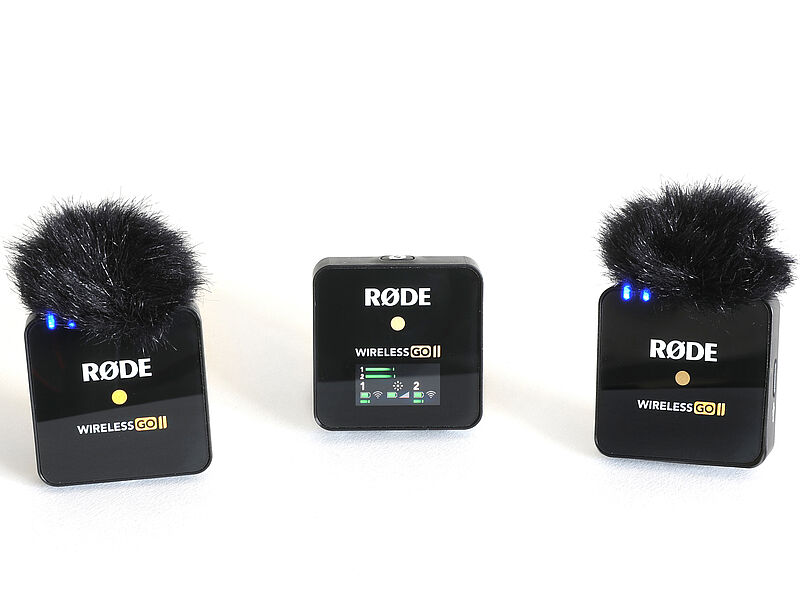
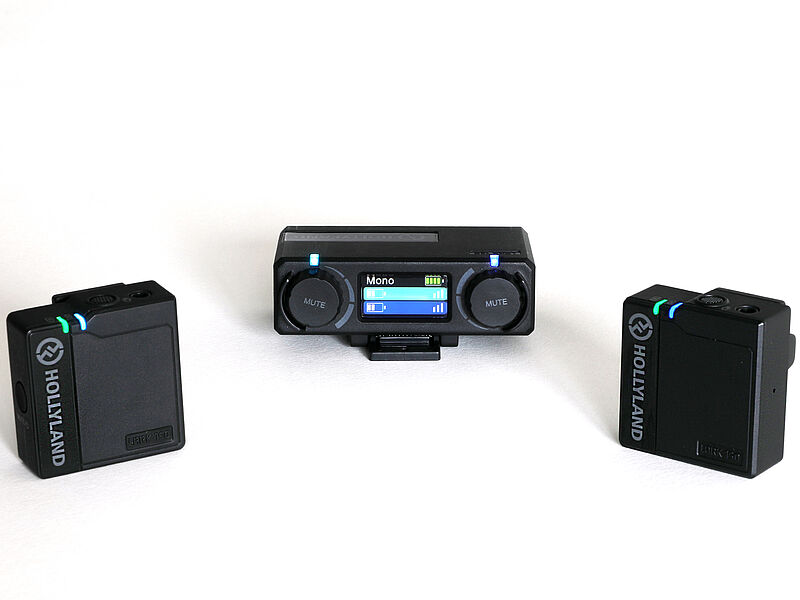
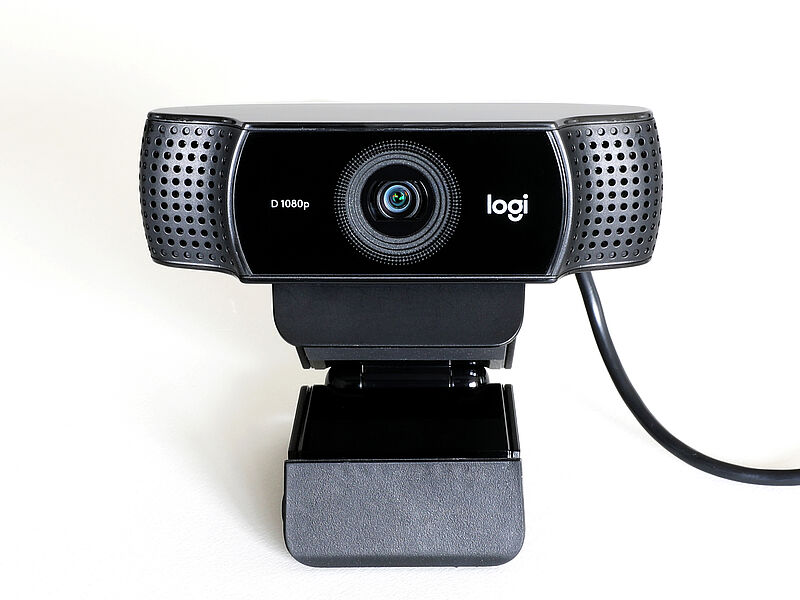
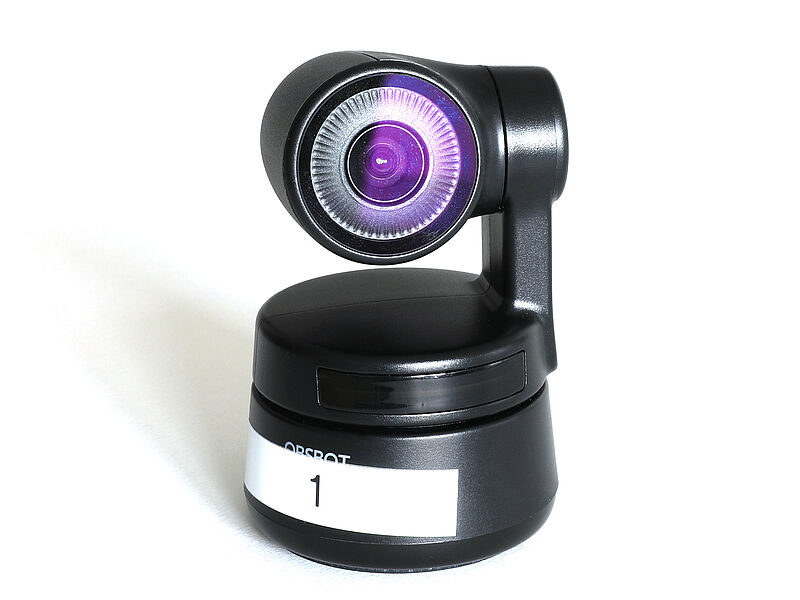
- Webcams and USB wireless microphones
- Projectors & mobile screens
- Presenters and various adapters
- Flipcharts (but without markers)
- BluRay players
In addition, equipment for audio and video productions is also available, provided that these productions have a university context. For example:
- High-resolution camcorders
- Single-lens reflex cameras
- Mobile light sets with up to 3 LED panels
- Camera and video tripods, as well as other accessories
- High-resolution audio recorders with microphone connection
- Various microphones for individual recording situations
- Sound rods, XLR cables, and more.
Part of the loan is a short introduction to the use of the equipment, as well as support in case of problems. In addition, further advice can be arranged if, for example, more complex productions are planned.
Upon agreement, the ZIM: Media also offers individual production support.
Event recording
Live streaming of events, digital lecture recordings and audio recordings are ways of making courses accessible to students regardless of location and time. Depending on staff capacity, the recording is carried out entirely by us. Alternatively, we offer support for independent recordings (camera instruction, help with setting up and starting the recording, video coding). In order for students to be able to access the recordings on the internet, they are put online either via PANDA or via the ZIM's video portal.
The following scenarios can be mapped in the Audimax, C1, G, O1, L1 and L2 lecture halls:
1) Recording sound + presentation
- The sound that can be heard in the lecture hall via the loudspeakers (wrap-around wireless microphones + sound from the connected notebook) is recorded.
- The image that can be seen in the lecture hall via one of the beamers (connected notebook or visualiser/table camera) is recorded.
- The recording will be available on the video portal approximately two working days later and can be integrated into PANDA.
2) Recording sound + presentation + camera (fixed position)
- The sound that can be heard in the lecture hall via the loudspeakers (pendant radio microphones + sound of the connected notebook) will be recorded.
- It can be determined in advance which two image sources will be recorded in a split screen (either 50:50 or one large and one small): connected notebook, visualiser/table camera, fixed image of the hall camera.
- The recording will be available on the video portal about two working days later and can be integrated into PANDA.
3) Recording sound + presentation + camera (with camera operator)
- The sound that can be heard in the lecture hall via the loudspeakers (pendant radio microphones + sound from the connected notebook) will be recorded.
- During the event, an operator from the ZIM Media or one of your SHKs who has been instructed by us sits in the control room of the lecture hall. This operator can distribute all available image sources (notebook, visualiser/table camera, hall camera) to the layouts (full screen, split screen 50:50, split screen with one large and one small image) and control the hall camera to film lecturers or blackboards.
- The recording will be available on the video portal approximately two working days later and can be integrated into PANDA.
4) Livestream
- All the above scenarios (1, 2, 3) can be streamed live in addition to, or without, the recording.
- The livestream is made available via the video portal (course-specific, or public).
If you would like to record events in other rooms, we will be happy to advise you and, if necessary, provide technical solutions that suit the room and your requirements (e.g. screen capturing software such as Camtasia or OBS, microphones, cameras).
If you have any questions, suggestions or are interested in having your event recorded, please contact the Media Service Centre or send an e-mail to zim@uni-paderborn.de.
Event Management (Indico)
Indico - Integrated Digital Conference- is a web-based tool for managing conferences, workshops and lectures. With Indico, conference pages are compiled in the browser and are immediately available to conference participants as an Internet presence. Depending on requirements, participants can then register, add or download presentations and much more.
Mobile solutions for hybrid teaching
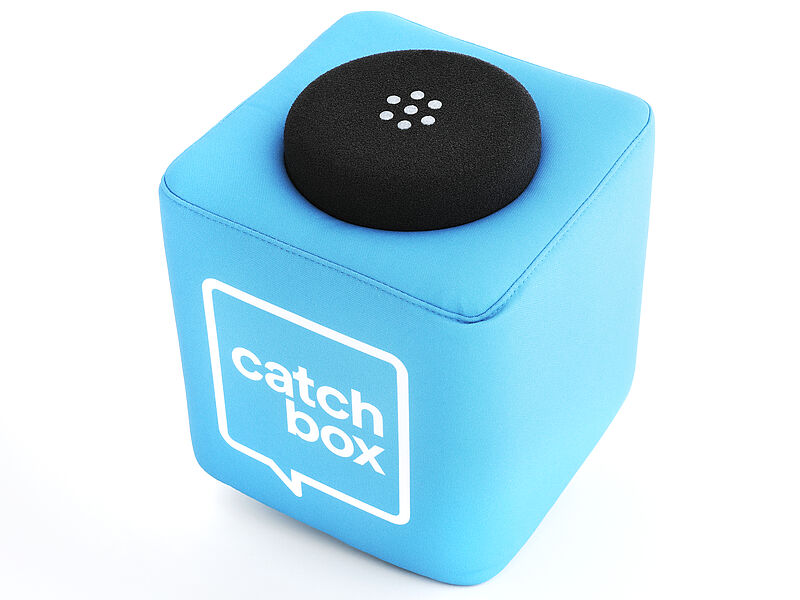
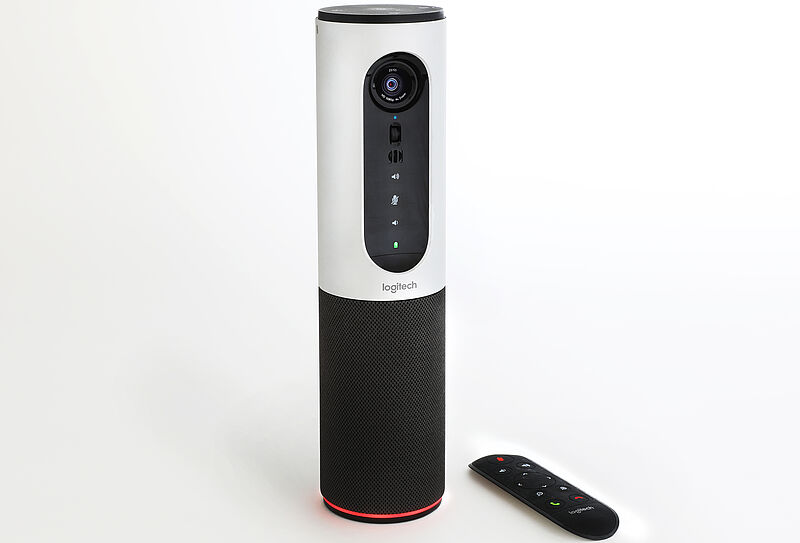
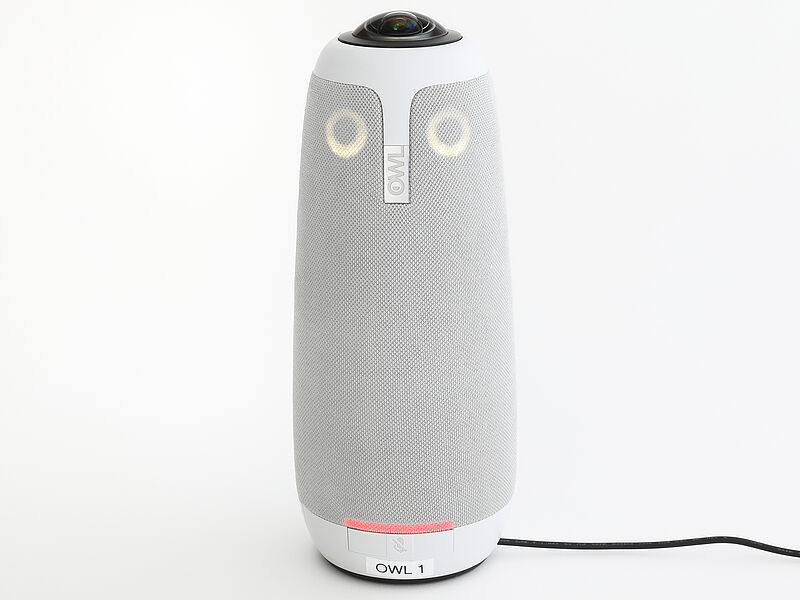
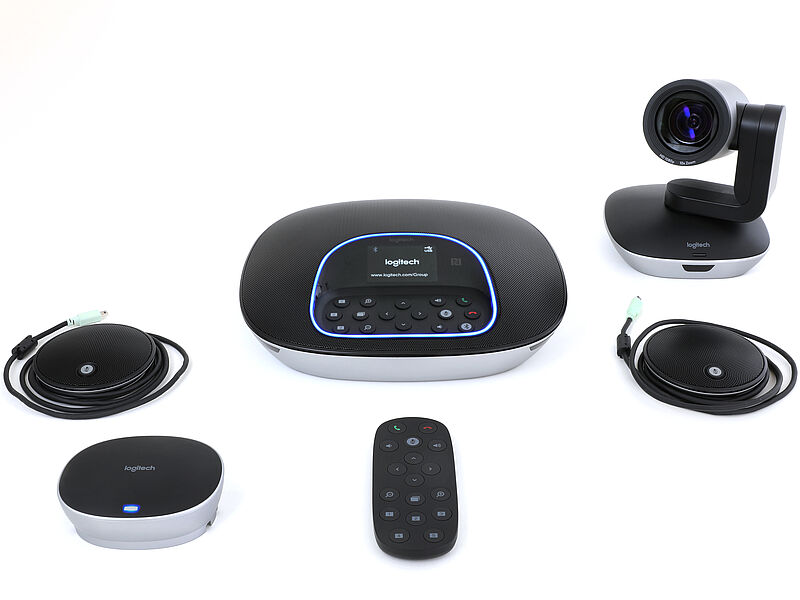
The ZIM: Media offers mobile solutions for all event rooms without integrated conference technology. Whether for video conferences, hybrid lectures or exams with virtual participants - the appropriate equipment can be rented at room H1.201.
Microphones
Conference systems
Video and audio production
The ZIM: Media supports members of Paderborn University in the production of their own video or audio contributions by providing mobile and stationary infrastructure (help for self-help).
The ZIM: Media may produce audiovisual products for the academic community with its own specialist staff (cooperatively with the users). In the context of asynchronous teaching and self-study at home, the ZIM: Media helps to technically deliver eContent via the video portal or PANDA.
In the simplest case, the spectrum of services ranges from the loan of production equipment (incl. technical instruction), help with the technical set-up and implementation of (event) recordings, questions around audio/video editing to complex lecture recordings and, if necessary, the production of eContent in the production studios on H1.
The productions for digital teaching are usually supported extensively by the staff of the ZIM, Media field, as part of their official duties. In the case of very time-consuming media projects, the ZIM: Media can train external student assistants (e.g. from the fields of the clients) to support the production.
Video production eContent HQ (highQuality)
Audio and video production in the highest UHD/4K quality for the presentation of research results at (virtual) conferences, congresses and trade fairs and for applications for third-party funding projects (pitches) as well as for external presentation in the field of press and marketing (e.g. social media events) are increasingly in demand and are often an integral part of research projects. In the run-up to a planned production, staff from the Media field should be contacted and involved. Please send enquiries to zim@upb.de.
The ZIM offers various options for this case, which are charged according to the effort involved (third-party funding):
- Production of an individually designed digital video lecture, a video presentation in the virtual studio: Recording of the lecturers with two UHD studio cameras in the virtual studio, incl. consultation, live recording of the presentation, if necessary text preparation for teleprompter, light setting, audio checks and editing, animations (logo, title insertions)*, post-production, video transcoding, provision.
Length of presentation 5-45 minutes
Workload 4-8 hours (depending on the required pre- and post-production work)
- Production of an individually designed digital video lecture on site (e.g. interview in the office): Recording of the speakers with UHD video equipment, incl. consultation for conception and scripting, lighting set-up, audio check, post-production, video transcoding, provision.
Length of lecture 5-45 minutes
Workload 6-16 hours (depending on the required preparation and post-production work)
- Production of a digital video lecture via zoom: Recording of the speakers with existing equipment, incl. advice on implementation, audio check, post-production, video transcoding, provision
Length of presentation 5-45 minutes
Workload 2-4 hours (depending on preparatory and follow-up work required)
- Production of an image video clip for external presentation: Recording with UHD video equipment, incl. advice on conception and scripting, lighting, audio checks and editing, music creation if necessary, special recordings, post-production, animations (logo, title overlays)*, colour grading, video transcoding, supply
Clip length 2-8 minutes
Workload 2-10 days (depending on preparatory and finishing work required)
*No design and graphics creation
Digital photography
The Photography Service offers professional photography and image processing for researchers, lecturers, students and non-academic staff of the University of Paderborn. The services include studio photography, image photography, reportage and documentation.
Consultation on technical and creative questions of photography in the sense of helping people to help themselves is offered.
The services are agreed individually. The material costs will be invoiced.
The service can usually be used between 9 and 15 o'clock. Exceptions are possible for business reasons. In these cases a booking/appointment is absolutely necessary (first come - first serve).
Room: H1.201
Phone: 05251/60-2821
zim@upb.de
Streaming per Uni-Streaming-Server
The ZIM provides a streaming server (Wowza Media Server) to access live videos. The use of the streaming server is recommended for lectures with a number of participants of 80 to 800 students.
The video stream is broadcast live from an lecture hall (AM, L, O, G, C) of the UPB and is delivered to viewers via UPB's streaming server. This service does not provide a return channel. Alternative chat tools can be used simultaneously, but are not provided by the ZIM.
- In the case of one-time only lecture, streaming is done to a previously created website (UPB subpage). Anyone with a link can call up the stream in their browser.
- For a series of live lectures the stream is streamed into a live channel of the UPB video portal. The video portal service must be applied for and activated beforehand: https://hilfe.uni-paderborn.de/Videoportal
Advantage here: The livestream is only accessible to a certain group of people, provided that the lecturers have subscribed and activated the users.
Requirements for using the service
- Contact the ZIM by e-mail to zim@upb.de
- Appointment arrangements unavoidable due to server load balancing
- Checking whether the lecture date of the classroom teaching can be used
- Alternatives of asynchronous teaching are not feasible.
Alternative to lecture hall streaming
Exceptions for streaming from home (using the freeware Open Broadcaster Software - OBS Studio) can be granted after a thorough review of the circumstances.
The maximum data rate of the streaming service is set by the ZIM in order to reach students in areas with weaker network coverage. However, this cannot be guaranteed.